Move at the speed of thought
Drag & Drop
Reorder commits, cherry-pick, merge, and push with direct manipulation instead of memorizing commands.
Commit+ is a fast, native Git client built with Swift and SwiftUI. Zero external dependencies. Drag and drop. Undo any action. Free and open source.
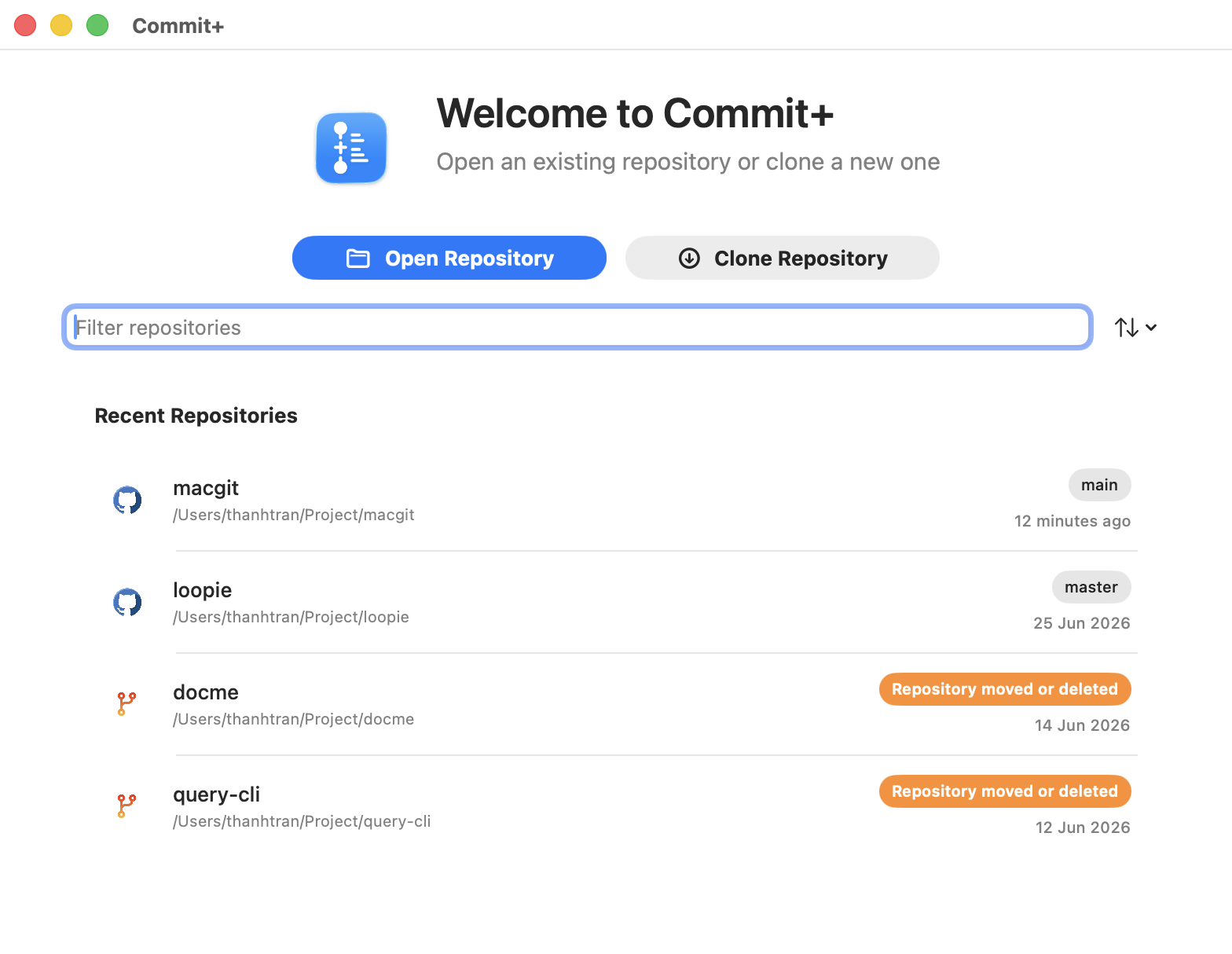
Experience the power of Git management with an interface designed specifically for macOS.
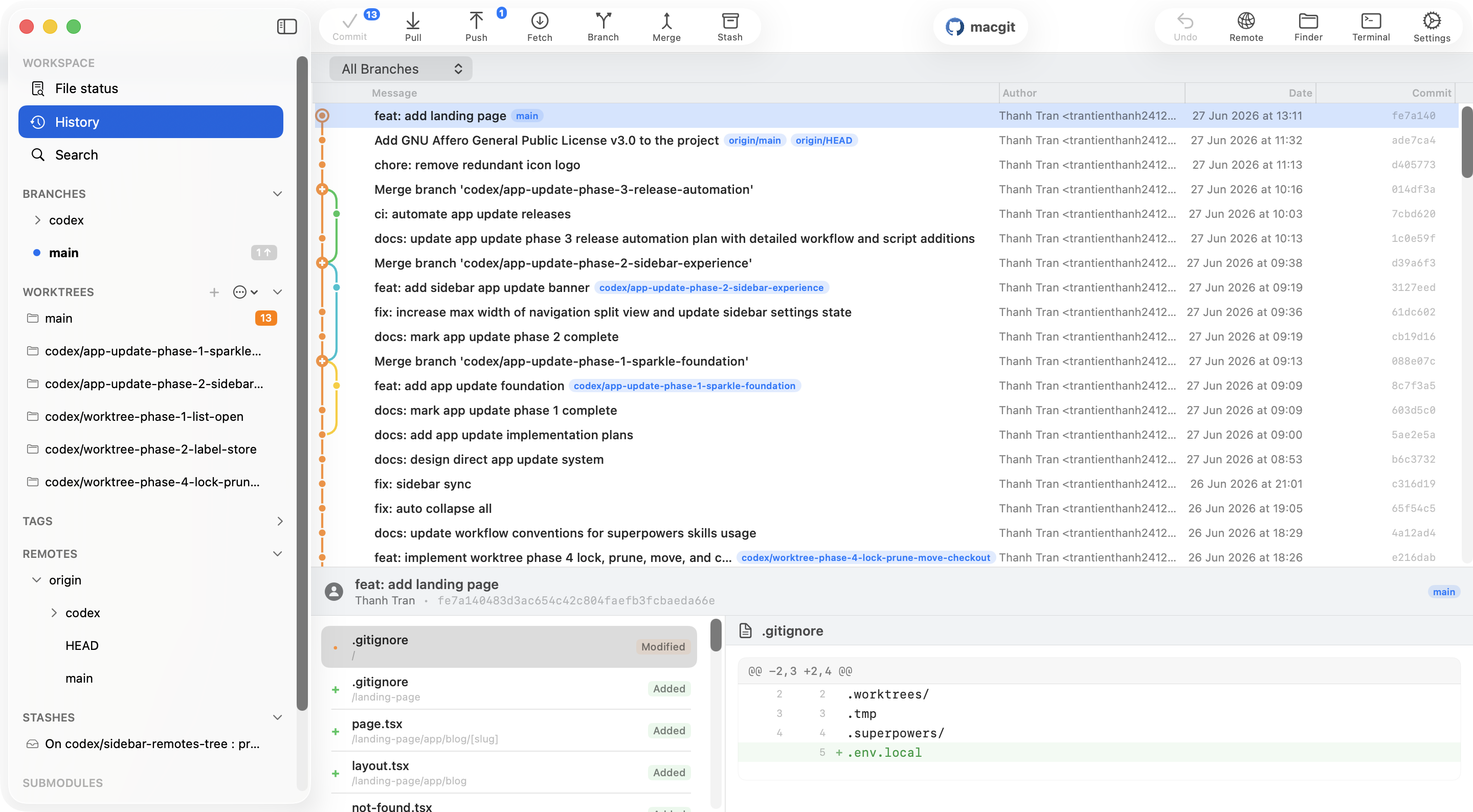
The depth professionals need, with interactions that still feel at home on macOS.
Move at the speed of thought
Reorder commits, cherry-pick, merge, and push with direct manipulation instead of memorizing commands.
Experiment without fear
Tower-style undo and redo for commits, stashes, branches, discards, and remote operations.
Commit, pull, push, fetch, branch, merge, rebase, stash, and revert.
Review inline conflict markers and stage resolutions without leaving the app.
Create, switch, and manage worktrees for parallel feature development.
Find commits, files, branches, and tags from a Spotlight-style command bar.
Ready now
Generate commit messages and get context-aware conflict suggestions without changing your workflow.
Commit+ ships as a small macOS app, launches without a web runtime, and stays easy to inspect because development happens in the open.
Cold start
Under 1s
Nothing heavy to bootstrap
Idle memory
~90 MB
Idle in Activity Monitor
Download
~20 MB
Small app bundle, quick install
Runtime
Native
No JVM, no Chromium
License
AGPLv3
Read the source
Latest
GitHub
Releases stay in the open
Open unlimited public and private repositories and use every core Git feature for free. Git Flow and pull requests are included for public projects—no subscription or credit card required.
Everything you need for serious Git work.
No account required
Product updates and practical guides for smoother Git workflows.
Using multiple GitHub or GitLab accounts? Learn how to tell Commit+ which connected provider account a repository should use for remote operations.
Read articleA step-by-step guide to connecting your GitHub, GitLab, and Bitbucket accounts with Commit+ using OAuth device flow.
Read articleWe're excited to announce Commit+, a lightning-fast, native macOS Git client built with Swift and SwiftUI.
Read articleWe're listening
Tell us what you need. Your feedback helps shape what we build next.
Download the latest release from GitHub. Commit+ is free, open source, and ready in minutes.
Download latest releaseClone the AGPLv3 repository and build the native app directly with Xcode.
git clone https://github.com/Commit-Plus/commit-plus