Feature
feature/ from develop
Develop a new product capability independently, then finish it back into Develop.
Start and finish
Start and finish structured branches without leaving your repository workspace. Commit+ keeps the branch bases, targets, tags, and recovery state visible as you work.
One workflow, four branch types
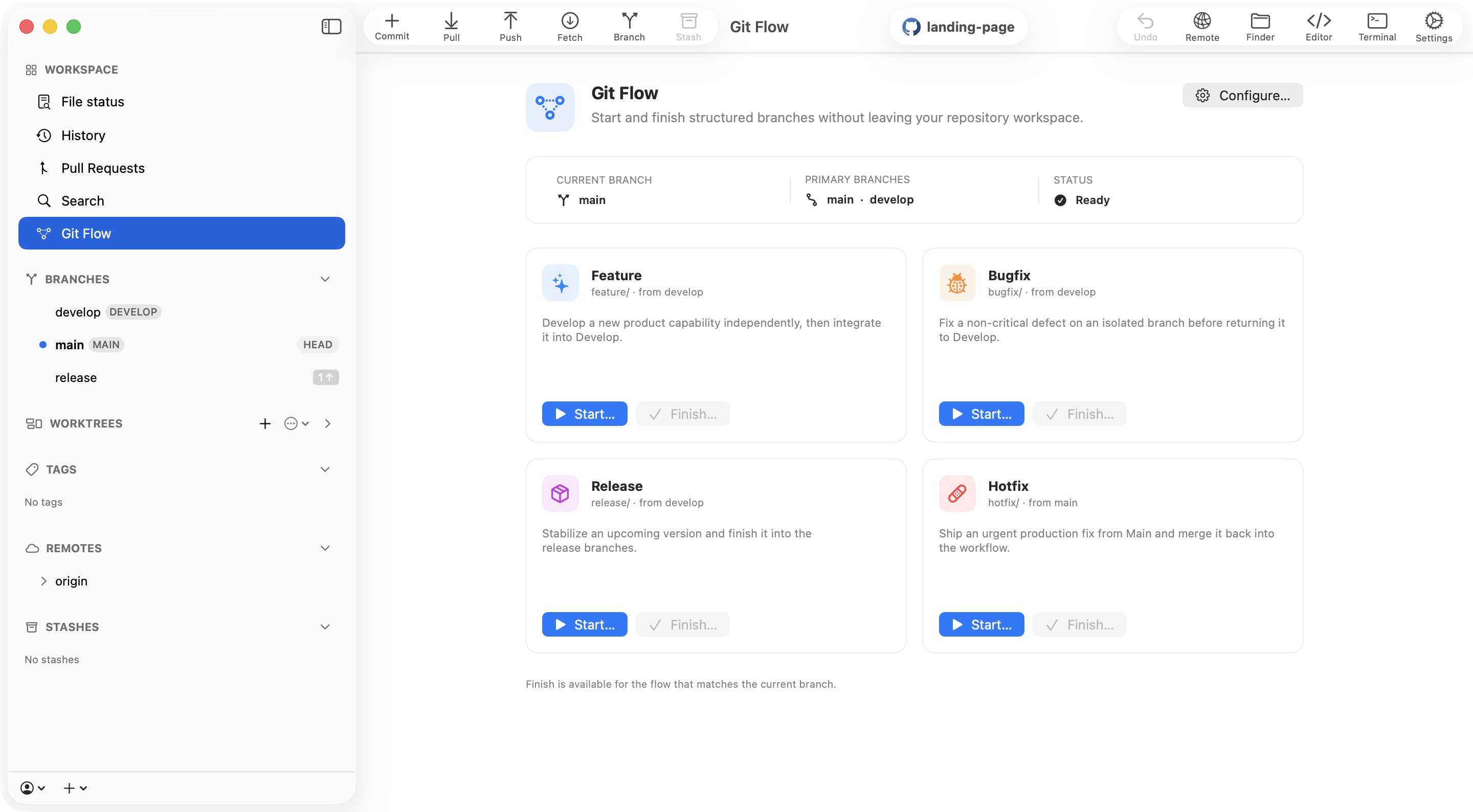
Each flow follows the configured branch prefixes and base branches from the Commit+ repository settings.
feature/ from develop
Develop a new product capability independently, then finish it back into Develop.
bugfix/ from develop
Fix a non-critical defect on an isolated branch before returning it to the workflow.
release/ from develop
Stabilize an upcoming version and finish it into the release branches with a tag.
hotfix/ from main
Ship an urgent production fix from Main, then merge it back into the workflow.
Configure once
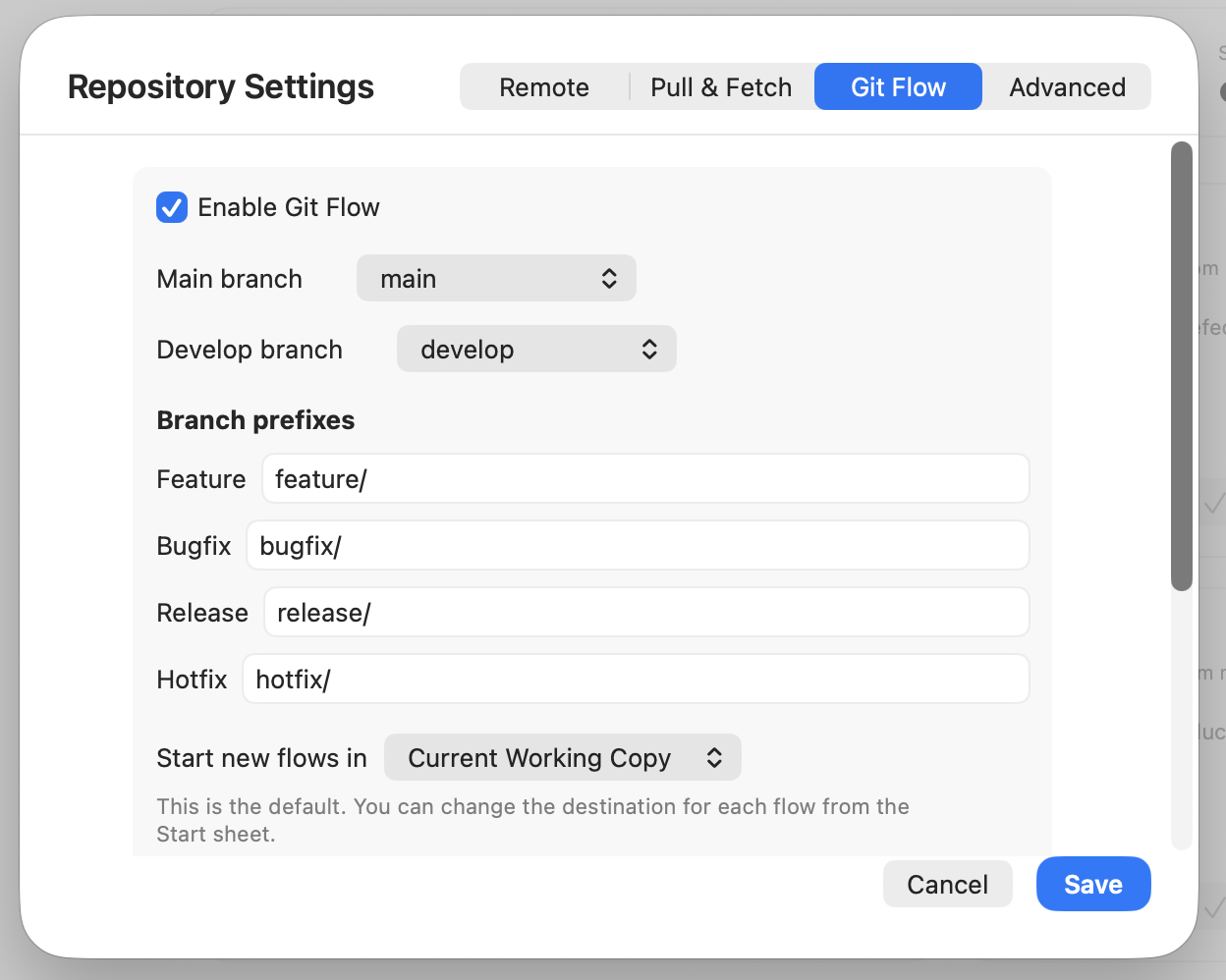
Choose Main and Develop, set the prefixes your team already uses, and decide where new flows start. Commit+ stores the configuration with the repository so the rules travel with the project.
Always within reach
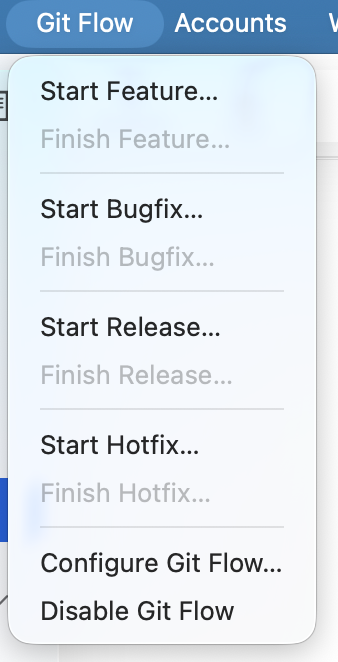
Use the Git Flow menu for a quick start, or open the dedicated workspace to see which flow matches the current branch and what can be finished next.