Press the shortcut
Use Cmd + Shift + F from anywhere in the repository window to bring search into focus immediately.
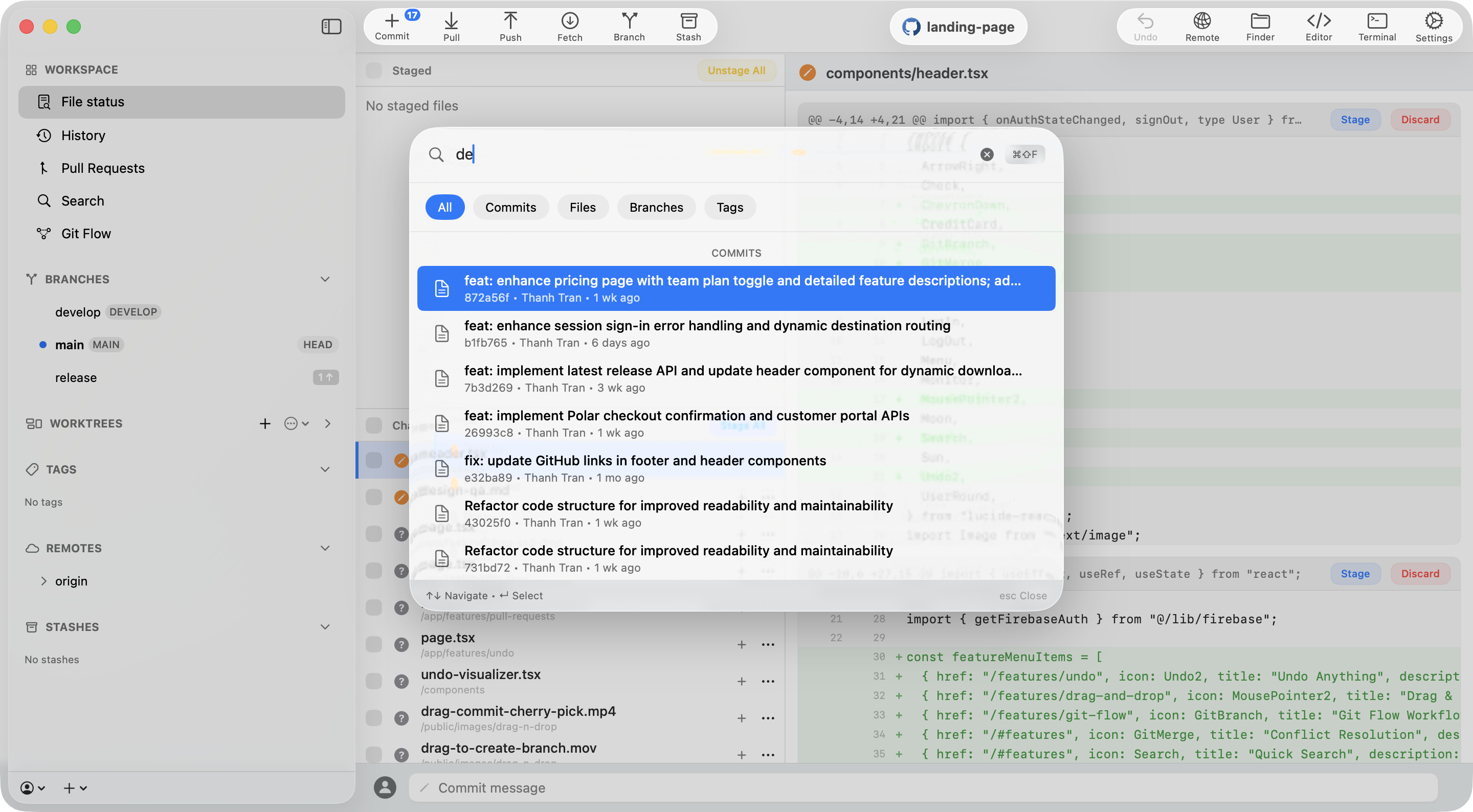
Search commits, files, branches, and tags from one focused bar. Type what you remember and let Commit+ bring the right piece of history to you.
Three ways in
Open the same search experience from the shortcut, the sidebar, or the Actions menu. Your flow decides the entry point.
Use Cmd + Shift + F from anywhere in the repository window to bring search into focus immediately.
Open Search directly from the workspace sidebar whenever you want a visible starting point.
Choose Search from Actions when your hands are already in the command menu flow.
One query, four directions
The All view keeps the search broad, while focused tabs help you narrow the result set when you already know what you are looking for.
Find a change by message, author, hash, or the work behind it.
Jump from a query to the file you need without scanning the whole tree.
Locate branches by name while keeping the repository context in view.
Surface tagged releases and milestones as quickly as any other result.
Stay in the flow
No separate tool, no hunting through folders, no remembering where a change lived. Press Cmd + Shift + F and keep moving.